
Email + Text
You can now receive text messages when leads take the following actions on your website:
- Listing “More Info” request
- Contact request
- Showing request
- Valuation request
When enabled, these messages are sent in addition to the email notifications already sent by your account for these events.
Access Lead History Instantly
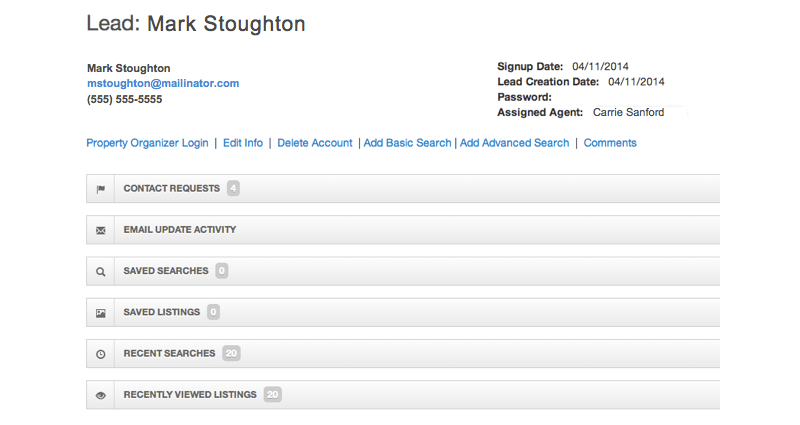
Each message includes a link to your lead management system where you can access all of the lead’s activity since their first visit.
How to Enable Text Messages
- Log into your Control Panel | Learn how >
- Go to SETUP > Alert & Email Settings > Basic Settings
- Enter your mobile phone number in the Main Company Mobile Number field. Use the number of the phone on which you would like to receive text messages.
- Select “Yes” next to “Receive lead notifications via text message?”
- Save your changes
Text Notifications

No comments:
Post a Comment